Is your website invisible to LLMs? The new file you need
If we had to introduce our website to an AI like ChatGPT or Gemini, would we give it a map or let it get lost among links? So far we only had the second option. But llms.txt and its big brother llms-full.txt have been born.
I have been optimizing for Answer Engines (AEO) and Generative Engines (GEO) for months. One of the most useful surprises of 2026 is this simple text file that acts as a "business card" for large language models.
In this post I explain what they are, how to create them, how they differ and why you should install them today on your website (even if you are not an online store).
What is llms.txt? The tri-fold brochure every AI should read
llms.txt is a plain text file (usually in Markdown format) hosted at the root of your domain, e.g. disciplinadigital.es/llms.txt. Its mission is to offer LLMs a curated list of the most important pages on your site, with a short description of each.
It does not replace robots.txt (which controls crawling) nor sitemap.xml (which lists all URLs). It is a context and prioritization layer. Think of it as the "index of a book" that the AI can consume immediately without having to navigate through your entire website.
# Disciplina Digital
> Blog about SEO, AI applied to marketing and digital strategy

## Essential guides
- [AEO 2026 Guide](/en/guides/aeo-2026) – Optimization for answer engines
- [GEO content clusters](/en/guides/geo-clusters) – Structure to be cited by AI
- [Advanced schemas](/en/guides/advanced-schemas) – How to use JSON-LD

## Recent articles
- [llms.txt: what it is and how to use it](/en/blog/llms-txt-guide)
- [Difference between SEO, AEO and GEO](/en/blog/seo-aeo-geo)

## Resources
- [Newsletter](/en/newsletter) – Weekly summaries
- [About me](/en/about) – Author authority
And what is llms-full.txt? The "unlimited" version
While llms.txt is selective (10-30 links at most), llms-full.txt includes all the URLs on your website that you want to make available to the AI. It is usually generated automatically from your CMS or script, and is updated with each new piece of content.
Its format is simpler: one URL per line, often accompanied only by the title (to save tokens).
https://disciplinadigital.es/en/llms-txt-llms-full-txt-guide-ai-web
https://disciplinadigital.es/en/seo-aeo-optimization-for-answer-engines-2025
https://disciplinadigital.es/en/guides/aeo-2026
https://disciplinadigital.es/en/guides/geo-clusters
https://disciplinadigital.es/en/blog/advanced-schemas
... (rest of articles, categories, static pages)
Important tip
Do not include admin pages, search URLs or duplicate content in llms-full.txt. Be clean. AI will value quality over quantity.
Key differences (and when to use each)
Concise (max 30 links)
With semantic descriptions
Markdown format
Ideal to present your brand
Very extensive (all URLs)
URL or URL+title only
Plain text format
Ideal for very specific searches
Both files complement each other. What the AI usually does is: first read llms.txt to understand the site; if it needs more depth, it consults llms-full.txt to find specific content.
How to generate these files on your website (step by step)
You don't need to be a programmer. Here are three methods, from simplest to most powerful.
Method 1: Manual (recommended for small blogs)
Create a text file named llms.txt with the Markdown format from the example. Upload it to the root of your hosting (where robots.txt is). Do the same with llms-full.txt, but generating the URLs one by one (impractical if you have more than 50 pages).
Method 2: Plugin or module
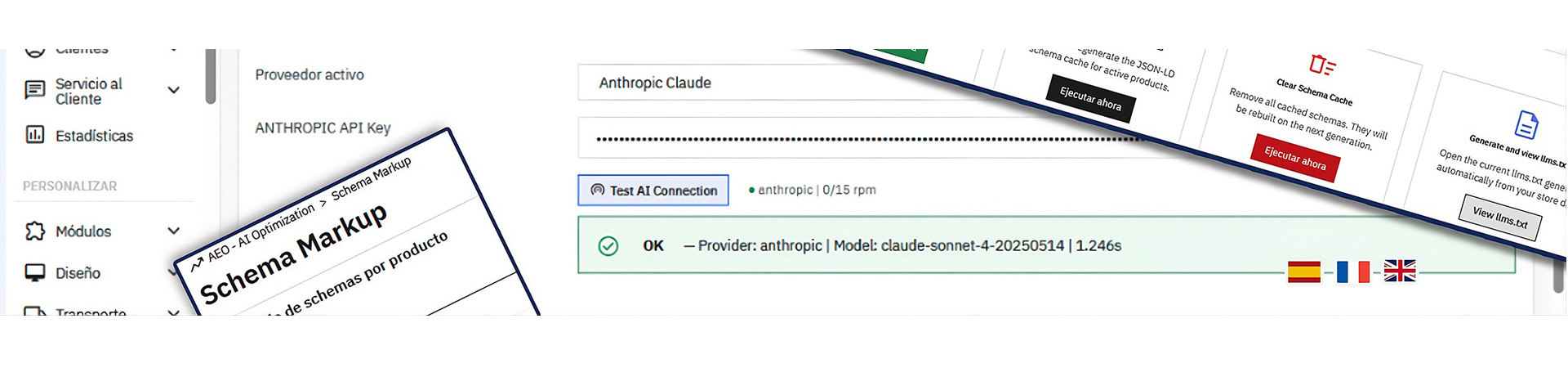
If you use WordPress, search for "llms.txt generator". In PrestaShop, my AEOCMS module already includes this functionality. In other CMS, free extensions are often available.
Method 3: Automatic script (ideal for large websites)
import requests
from bs4 import BeautifulSoup

def generate_llms_full(sitemap_url):
    """Extracts all URLs from a sitemap.xml and creates llms-full.txt"""
    response = requests.get(sitemap_url)
    soup = BeautifulSoup(response.text, 'xml')
    urls = [loc.text for loc in soup.find_all('loc')]

    with open('llms-full.txt', 'w', encoding='utf-8') as f:
        for url in urls:
            f.write(url + '\n')

# Run
generate_llms_full('https://disciplinadigital.es/sitemap.xml')
This script reads your sitemap and automatically generates llms-full.txt. You can schedule it with cron to update every week.
Does it really work? Current adoption status
Let's be honest: today, no major AI engine (OpenAI, Google, Anthropic) has officially confirmed that they use llms.txt for training or answering. It is a standard proposed by the community, similar to what robots.txt was in the 90s. However, some crawlers (such as OAI Search) already respect it, and its adoption is growing fast.
As a GEO specialist, I recommend you implement it anyway. The cost is zero, the risk is null, and the potential benefit (positioning yourself as an early adopter) is enormous. Furthermore, it is a sign of technical hygiene that AI engines will indirectly value.
Should I create them if my website is not an online store?
Yes, and perhaps even more! Blogs, portfolios, directories, and institutional sites have a lot to gain. AI seeks topical authority, not products. If your content is rich and specialized, a well-made llms.txt can make you discovered more easily.